
Inventory is quietly one of the biggest costs in a salon — and one of the leakiest. Colour tubes walk out the back door, retail bestsellers sell out at the worst moment, and nobody is quite sure what to reorder until a stylist is mid-service with an empty bottle. A little structure fixes all of it.
Separate professional stock from retail
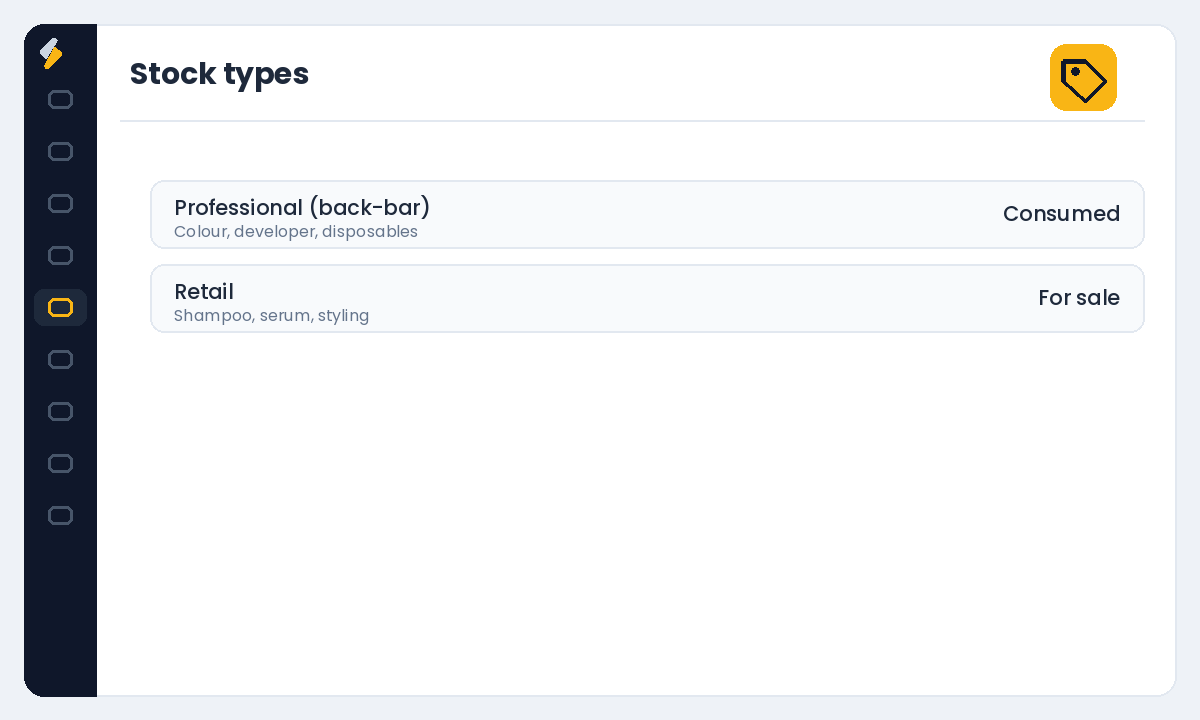
These behave differently, so track them separately. Professional (back-bar) stock is consumed during services — colour, developer, disposables. Retail stock is sold to clients at checkout. Keeping them apart tells you your true cost per service on one side and your retail margin on the other.
Set up your products and categories
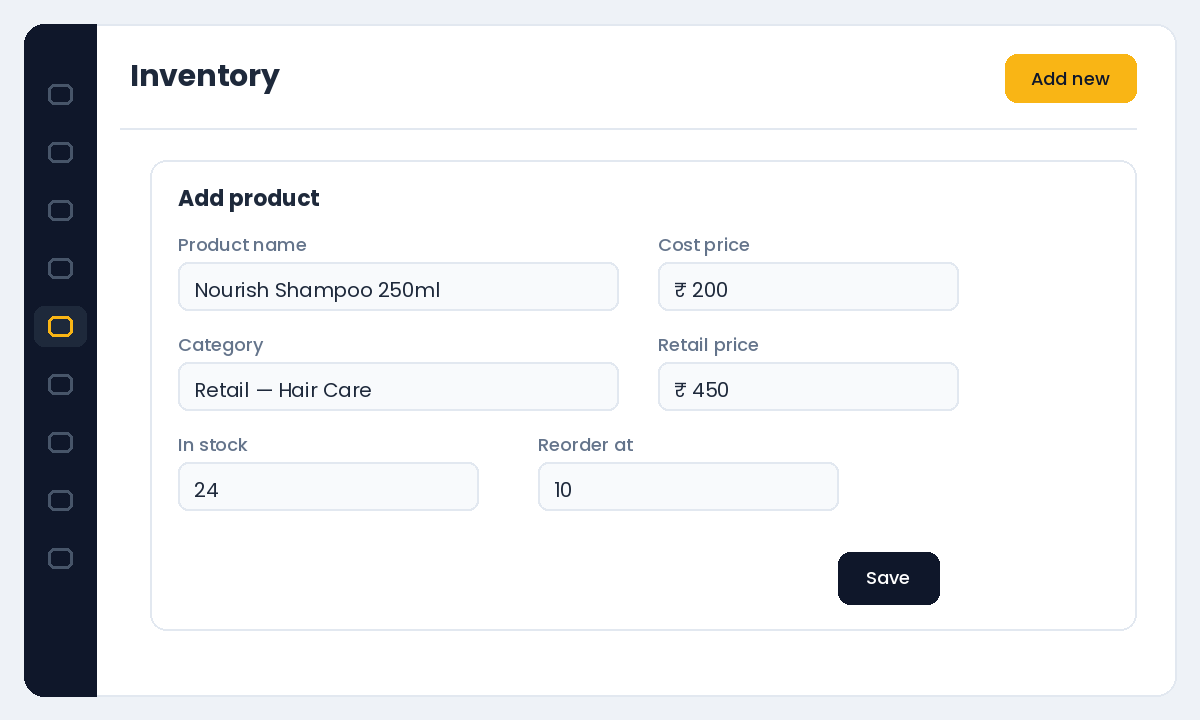
In the Inventory section, add your products with cost price, retail price and starting quantity, and organise them into categories so counts and reports stay readable. If you run more than one location, assign stock to the right warehouse so each branch sees its own shelf.
Set reorder points so you never run out
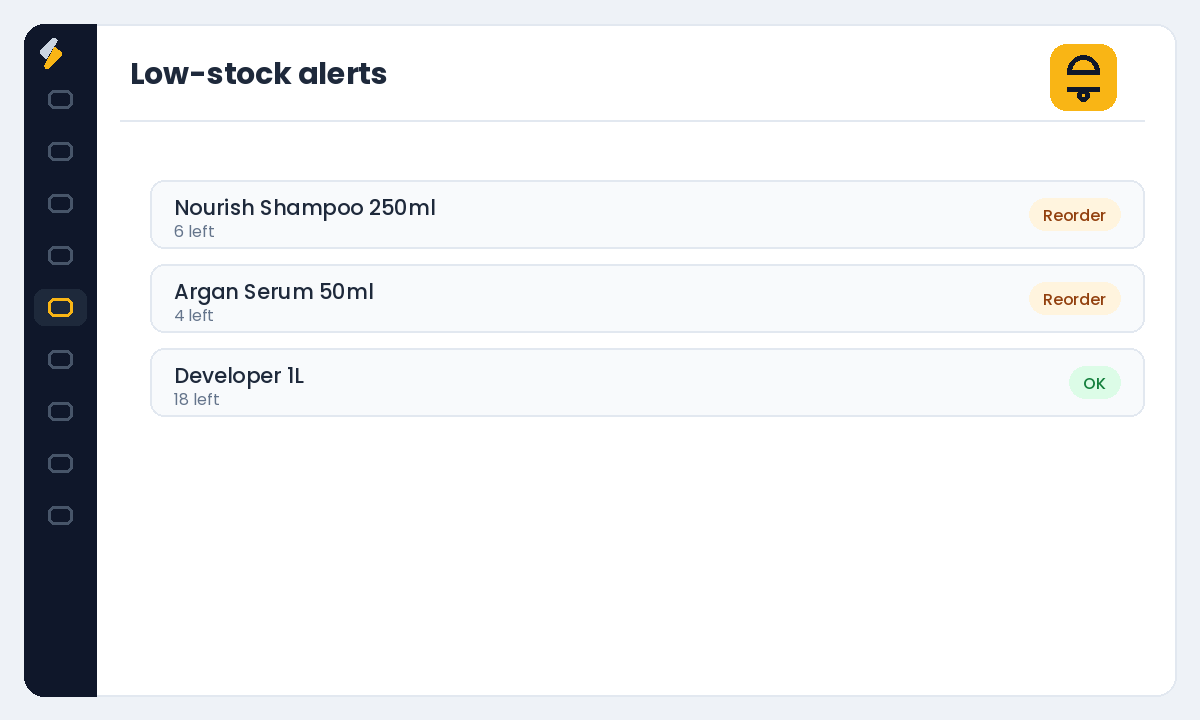
For each product, set a minimum quantity that triggers a reorder. The goal is to be warned before you hit zero, not after. Set the threshold high enough to cover the time it takes your supplier to deliver — if delivery takes a week, your reorder point should hold at least a week of typical usage.
Deduct stock automatically at the point of sale
When you sell retail through POS, stock counts should drop automatically so your numbers stay live without manual edits. This is what makes reorder alerts trustworthy — the count on screen matches the shelf.
Run regular stock takes
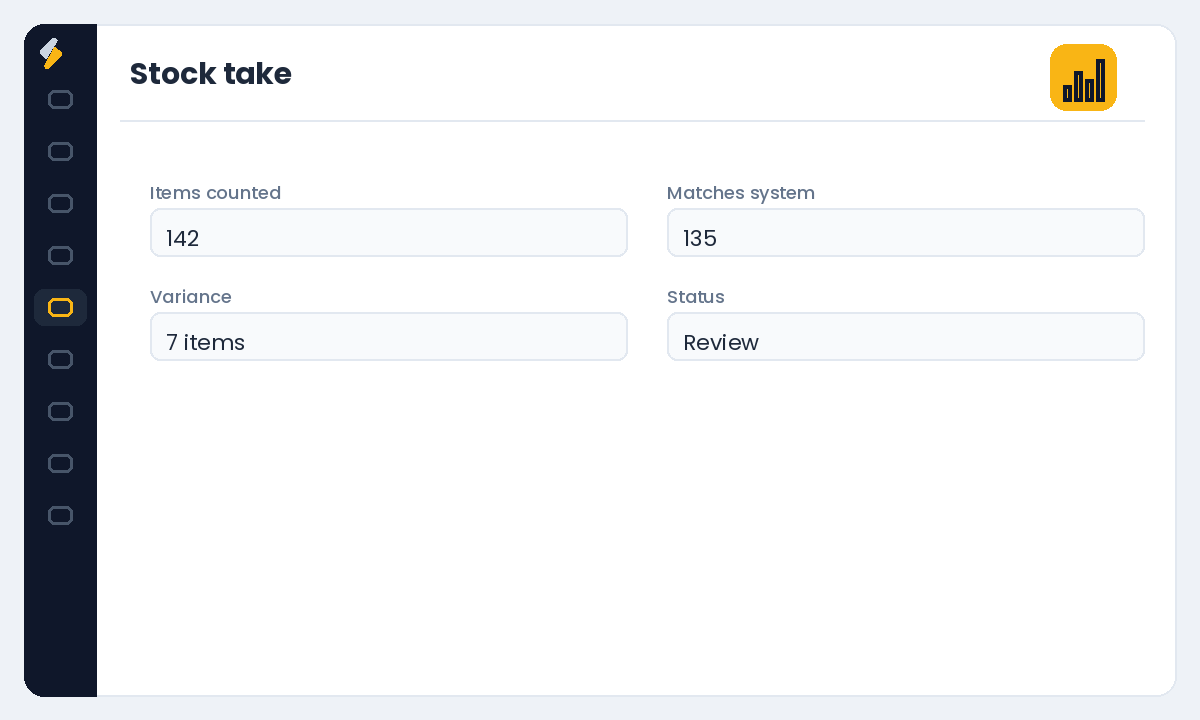
Even the best system drifts from reality through breakage, samples and the occasional miscount. A periodic stock take — monthly for busy salons — reconciles the counted shelf against the system and surfaces shrinkage early, while it is still a small number you can act on.
Manage suppliers and purchase orders
Keep your suppliers and their products on file so reordering is a few clicks, not a hunt through WhatsApp history. Raising stock orders from the same system that tracks usage means you order what you actually need, and receiving an order updates your counts in one step.
Every bottle you had to rush-buy at retail price is margin you gave away. Inventory control is profit control.
Want stock that tracks itself? Start your free Salonior trial — every feature included, 0% commission, no credit card required.