Your clients book themselves. You show up to a full calendar.
Stop losing clients to missed calls and unanswered DMs. Clients book online anytime — day or night — from any device. No commission. No marketplace. Just bookings straight to your calendar.
Your branded booking page
A clean, professional booking page at your own URL. Your services, your team, your prices — and no competing salons listed alongside you.
- Custom services, categories, and pricing
- Staff selection with photos and bios
- No marketplace upsells — your business, front and center
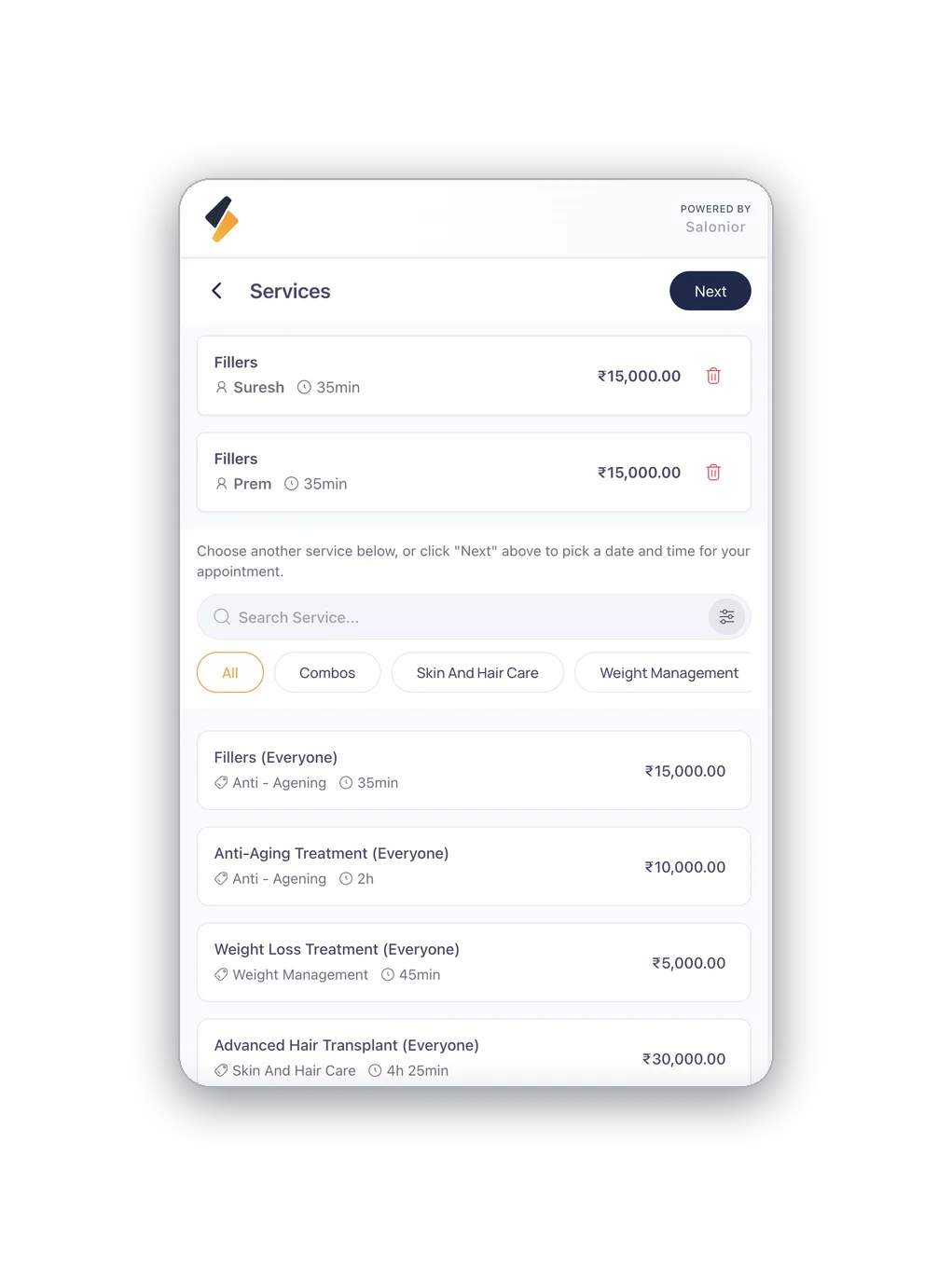
Clients choose service, staff & time
Real-time availability based on your actual schedule — no double-booking, ever.
- Live slot availability across your whole team
- Minimum advance notice and buffer rules
- Instant confirmation by SMS and email
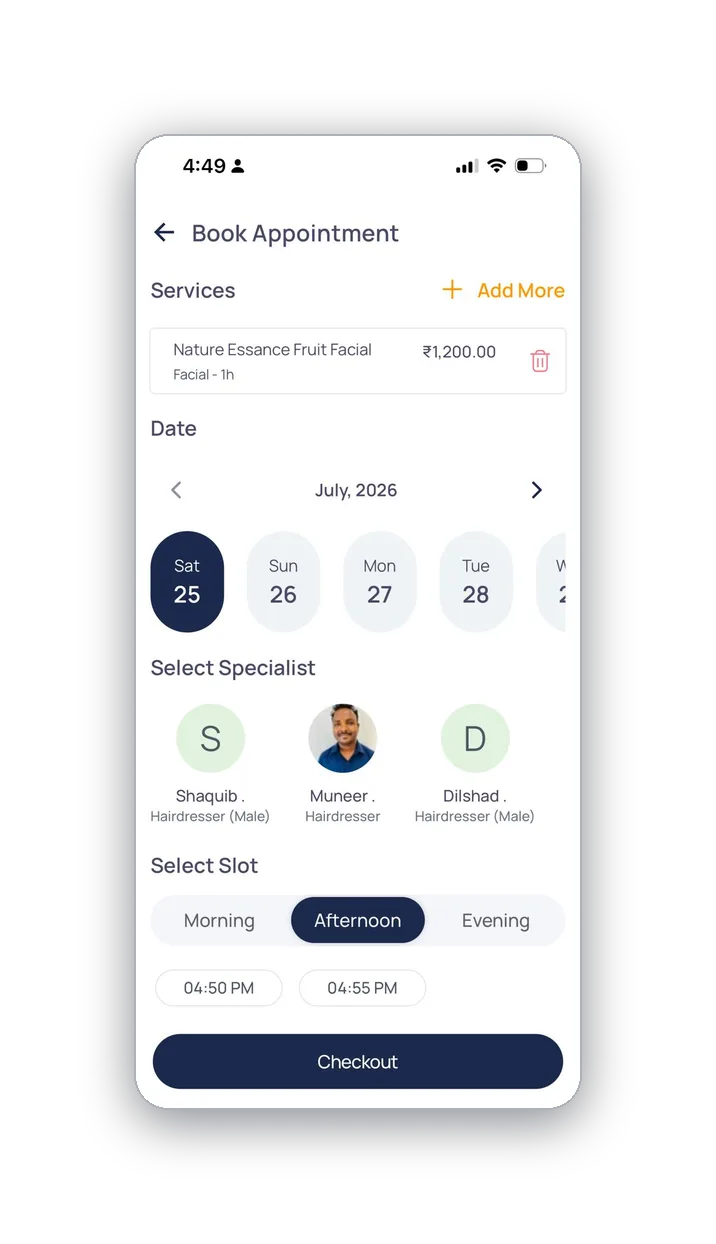
Deposits & prepayment
Require a deposit at booking to protect your time. Clients pay through your Razorpay plugin — UPI, cards, or wallets.
- Custom deposit amount per service
- Cancellation policy applied automatically
- Funds go directly to your gateway account
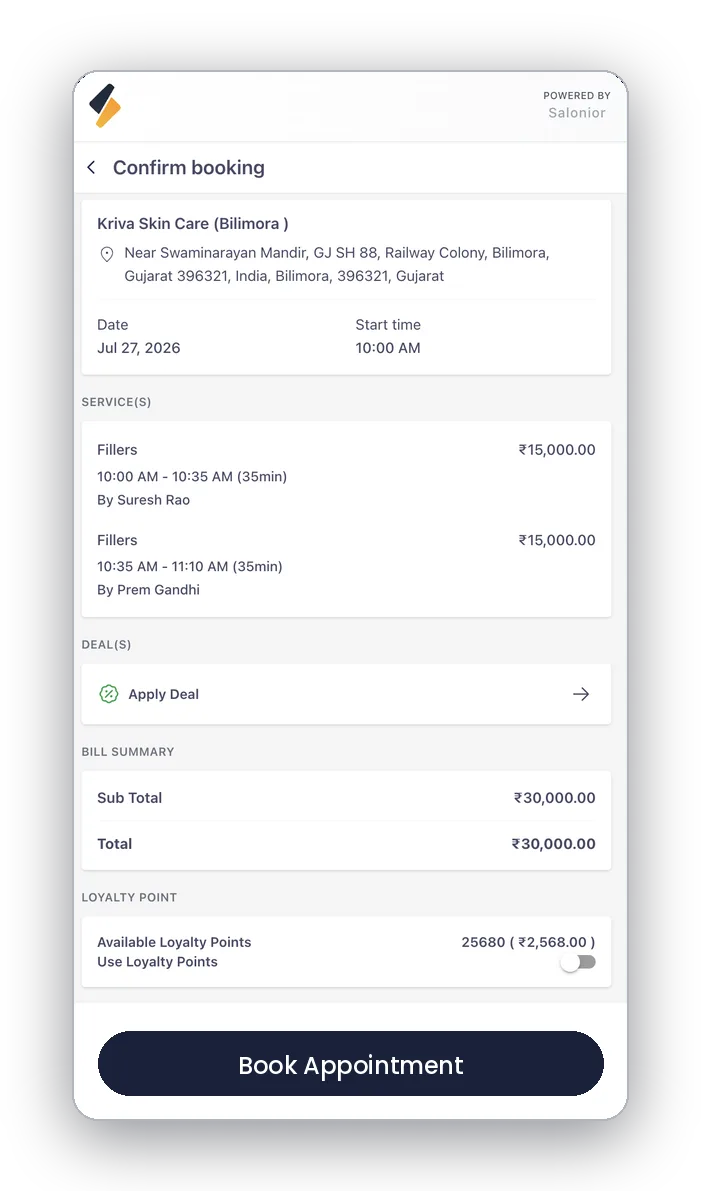
Mobile-first experience
Over 70% of salon clients book from their phone. Salonior's booking page is fast-loading, tap-friendly, and optimized for every screen.
- Book in under 60 seconds
- No app download required for clients
- Works beautifully on any device
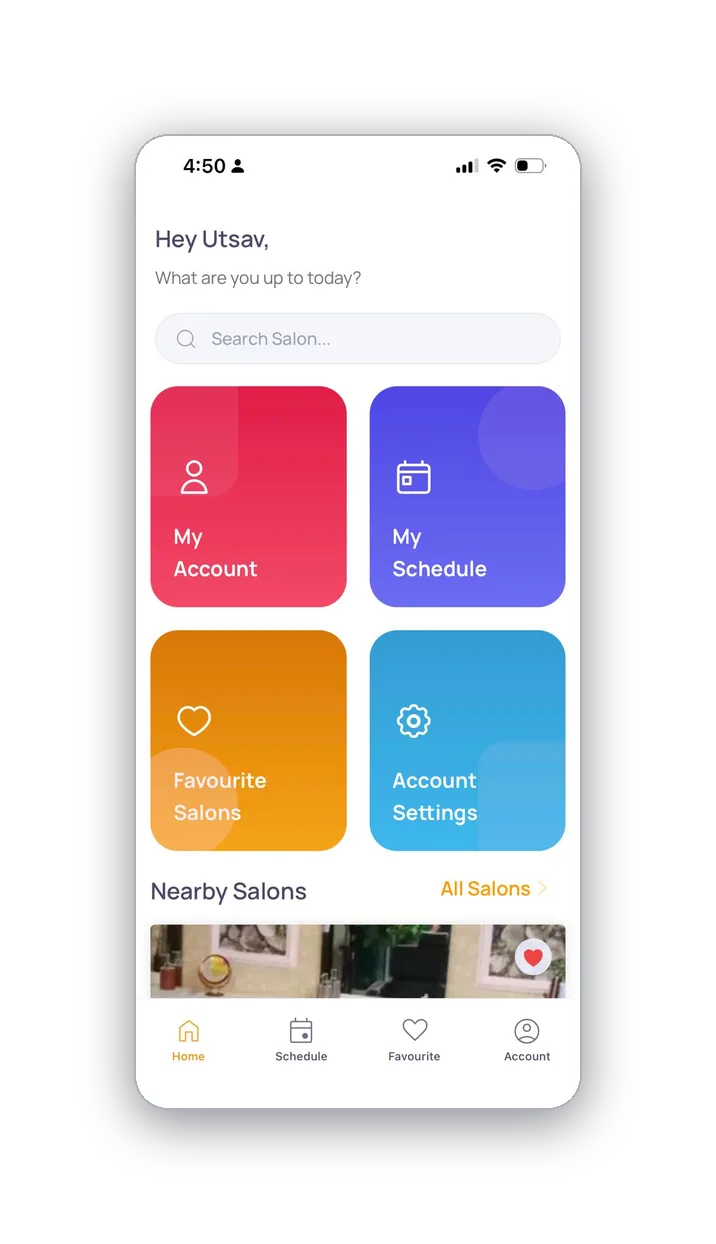
Results salons see with Salonior
Illustrative figures based on our market research; your results may vary.
What a booking page has to get right
A booking page is not a form. It is three decisions in a row — what service, with whom, at what time — and clients abandon at whichever one confuses them. Most of the work in setting one up is removing choices rather than adding them.
Start with the service menu. Group it by category, use the names clients actually say rather than the ones on your price list, and give each service its true duration including the wash and the blow-dry — an under-timed service is the one that makes the rest of the day run late. Where something needs a consultation or a patch test, say so at booking instead of on the phone afterwards.
Then set the rules that protect the calendar: minimum notice so nobody books a slot ten minutes out, buffers between appointments, and deposits on the long or expensive services where a no-show costs a full afternoon. Finally, put the link everywhere a client already looks — the Instagram bio, the Google Business Profile, the WhatsApp auto-reply. A booking page nobody can find is a page nobody uses.
Setting this up for the first time? Set up online booking, step by step walks through it step by step.
Online Booking — the questions we get asked
No. Your booking page opens in any browser on any device — most clients book in under a minute from their phone, with no download and no account required.
Yes. Set a deposit amount per service and clients pay it through your own Razorpay account when they book. Your cancellation policy is applied automatically.
Never. It is your page at your own URL — your services, your team, your prices, with no marketplace upsells and 0% commission on the booking.
What online booking connects to
Calendar & Scheduling
Bookings land straight in the shared calendar, with live availability from your real roster.
Explore calendar & scheduling →Automated Reminders
Every booking triggers its own confirmation and reminder sequence automatically.
Explore automated reminders →Payment Plugins
Take deposits at booking through your own Razorpay account.
Explore payment plugins →Explore Salonior by business type…
…or keep exploring features
Online Booking is included in every Salonior plan.
Fair yearly pricing — no add-ons, no feature gates, 0% commission.