Inventory that runs itself — from purchase order to shelf
A full stock back office built into Salonior: live stock across every outlet, purchase orders to your suppliers, receiving, branch transfers and low-stock alerts — so you never run dry mid-service, and never touch a spreadsheet.
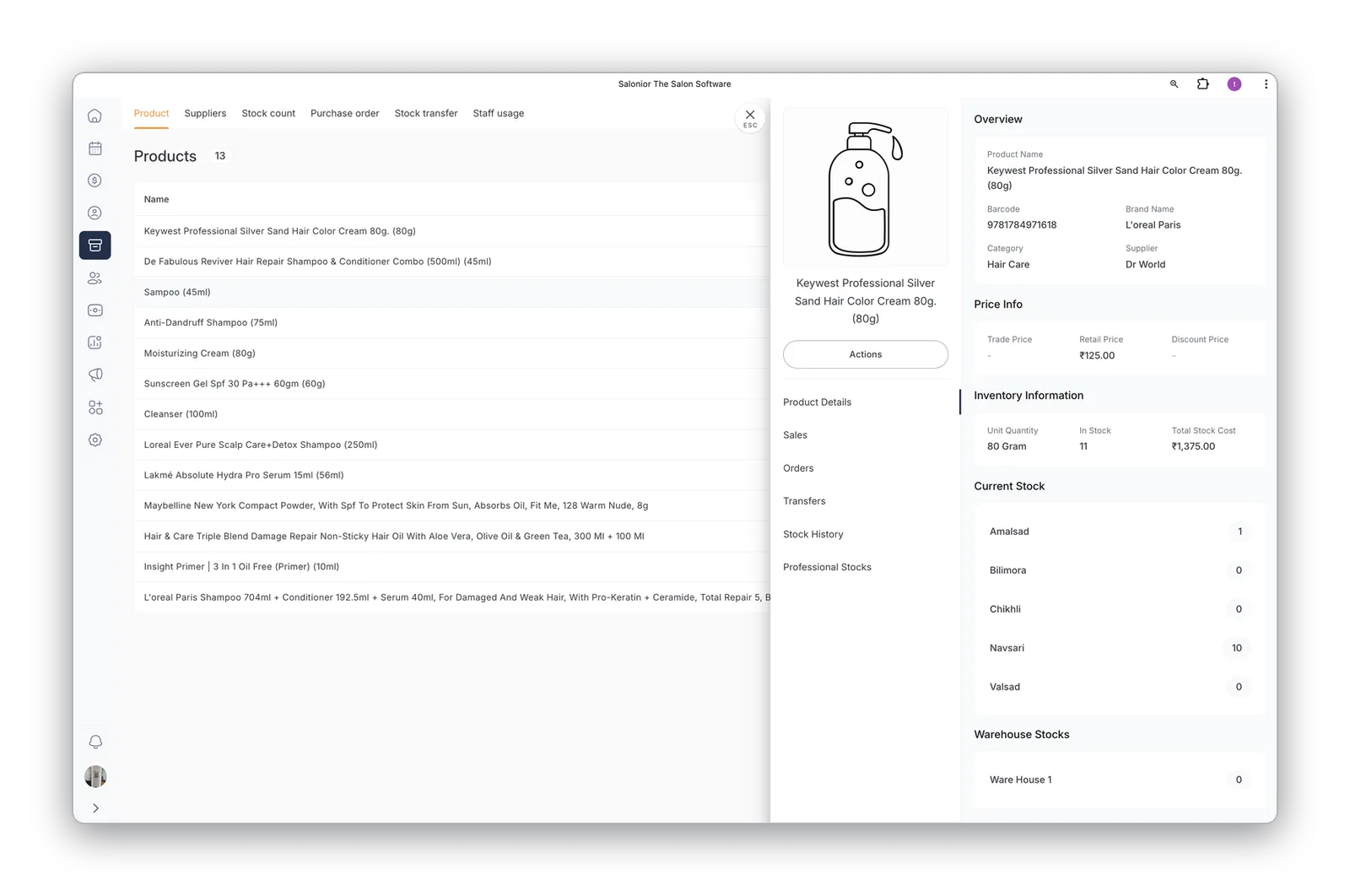
Live stock across every outlet
See exactly what's on each shelf and in each warehouse, its value, and where you're running low — updated automatically as you sell, receive and transfer.
- Per-outlet and warehouse stock levels
- Product cost, price and value at a glance
- Low-stock alerts before you run dry
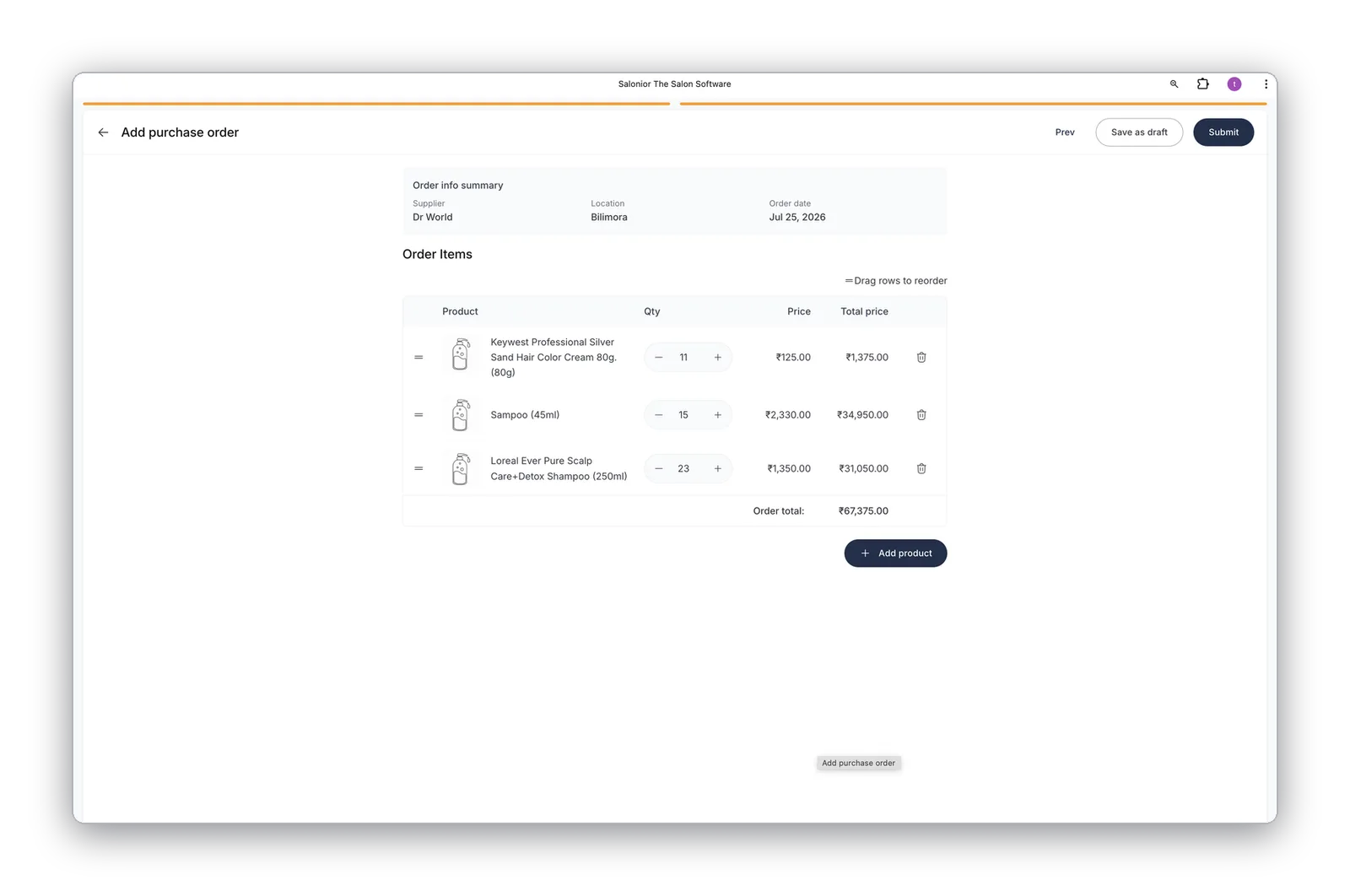
Raise purchase orders in seconds
Reorder from your suppliers without leaving Salonior — pick products, quantities and pricing, save a draft or send the order straight away.
- One-click reorder from suppliers
- Draft, review and send POs
- Supplier pricing remembered for you
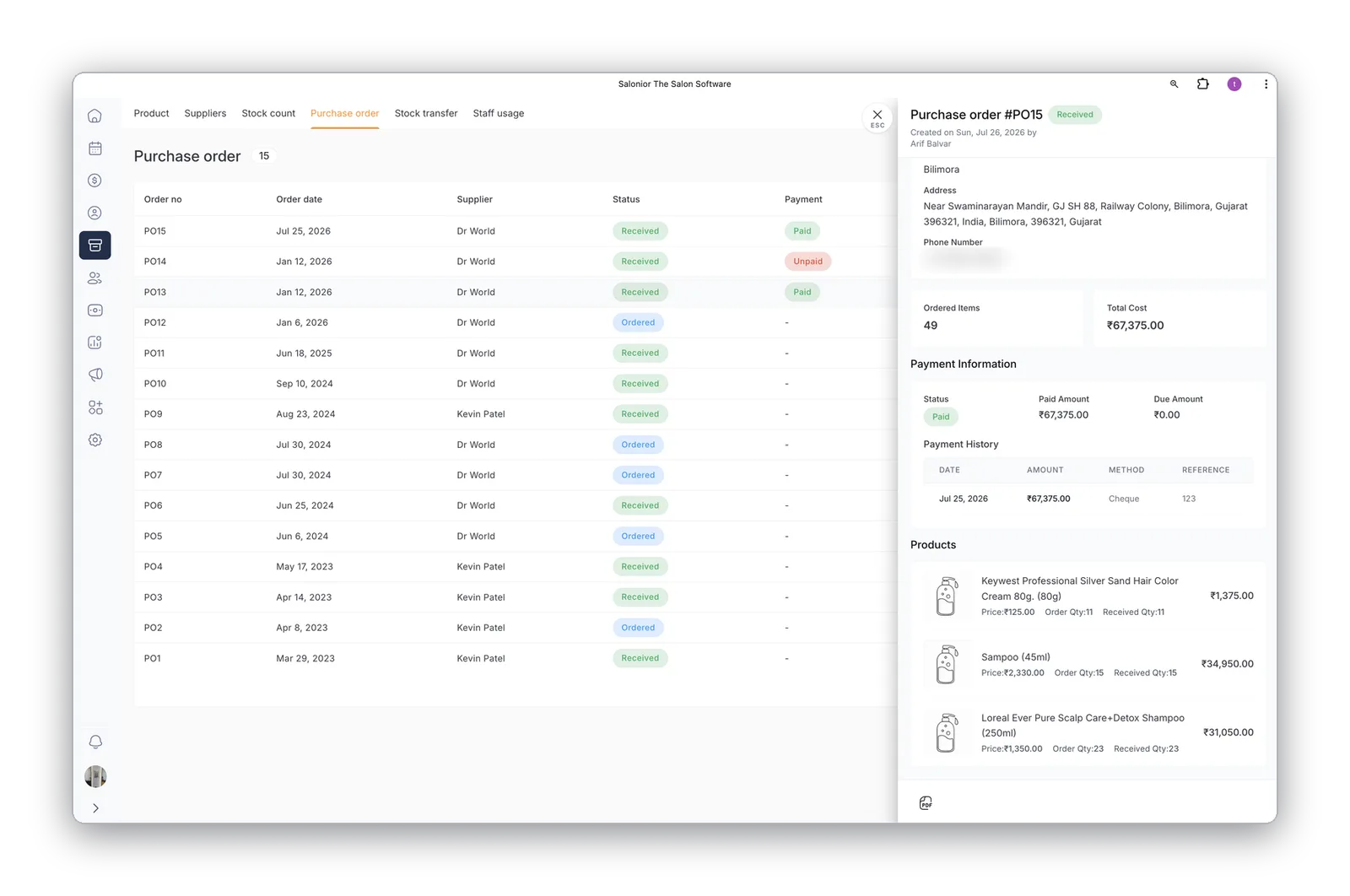
Track every order & supplier
Every purchase order in one place — ordered, received or paid — with full supplier and payment history, so nothing slips through the cracks.
- Order, received and payment status
- Vendor management built in
- Complete payment history per order
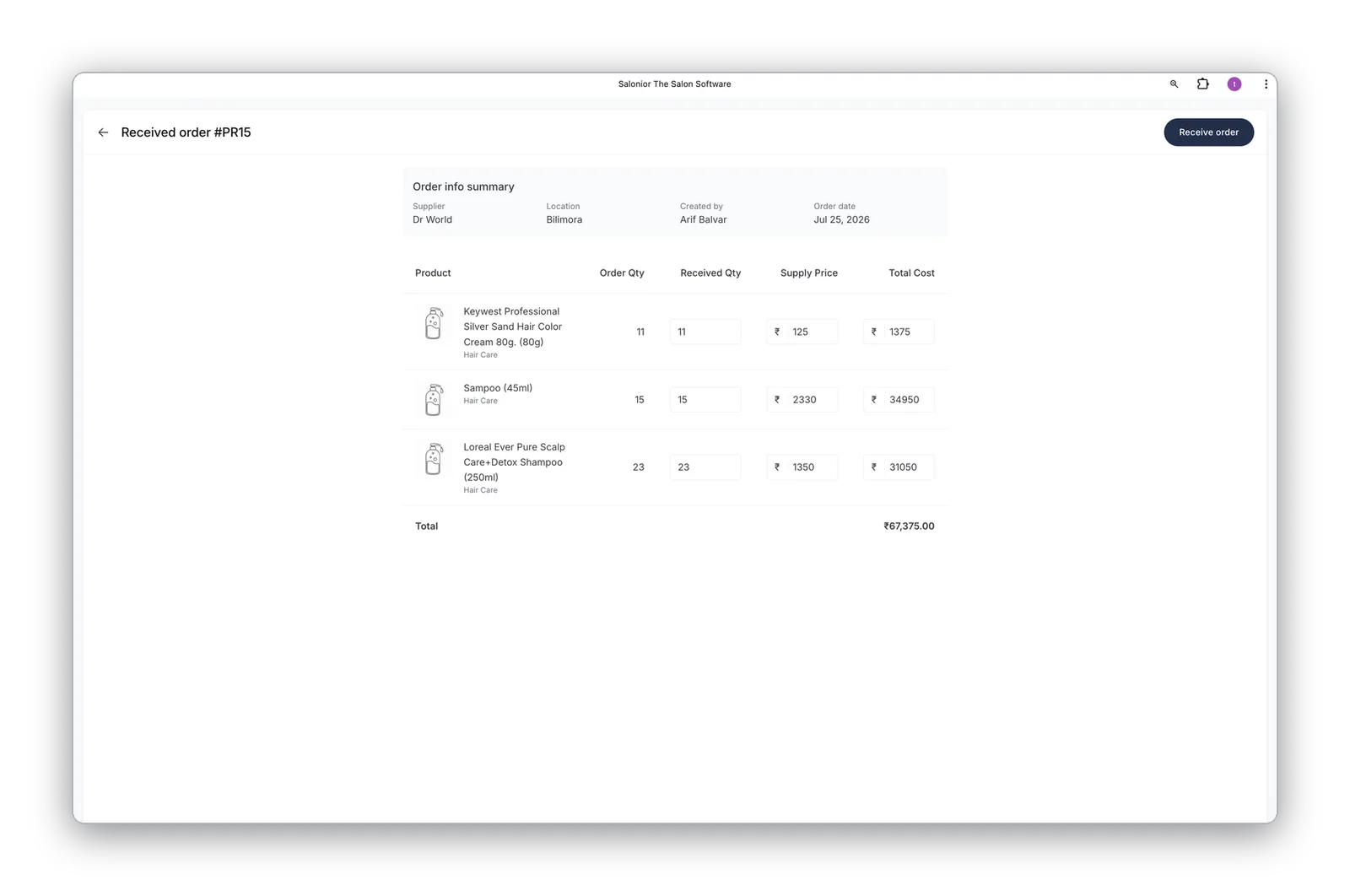
Receive stock the right way
Check each delivery against the order, record exactly what arrived, and update stock automatically — catching shortages and shrinkage early.
- Received vs ordered quantities
- Stock updates automatically on receipt
- Full receiving history and audit trail
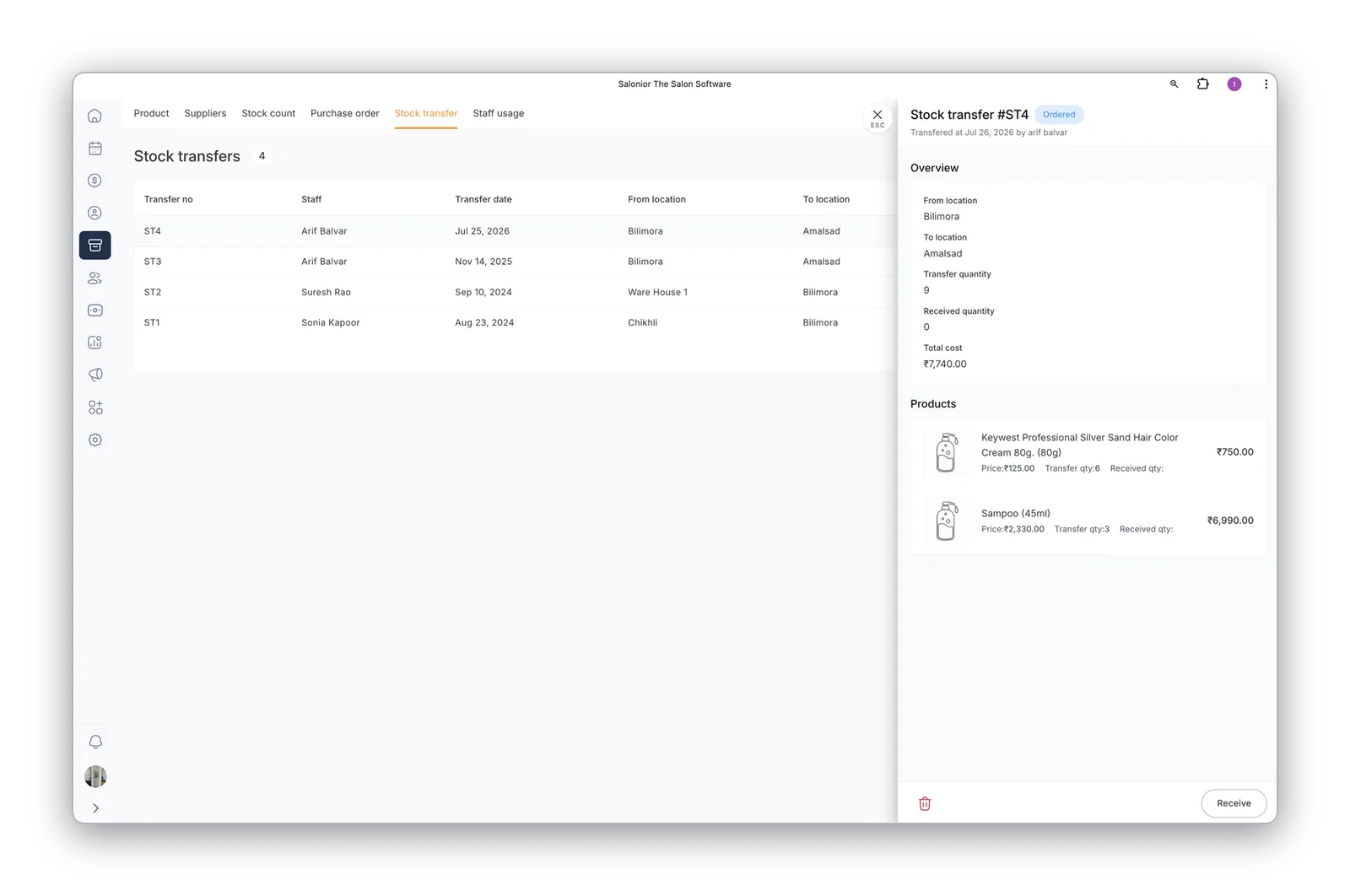
Transfer stock between branches
Move products between outlets and warehouses and track every transfer from sent to received, so each branch's stock always stays accurate.
- Branch-to-branch and warehouse transfers
- Pending and received tracking
- Accurate stock at every location
Results salons see with Salonior
Illustrative figures based on our market research; your results may vary.
Stock control that survives a Saturday
Salon stock is really two businesses. Back-bar product is a cost of delivering services and disappears invisibly; retail is inventory you sell, with a margin worth protecting. Managing them as one number is why most salons discover a problem only when they run out mid-service.
Separate the two, then set a reorder point for each item based on how fast it actually moves rather than how much shelf space it occupies. A colour line that turns over weekly needs a different trigger from a treatment sold twice a month. Deduct back-bar usage against services automatically wherever you can, so the count reflects what left the shelf rather than what somebody remembered to write down.
Count the fast movers weekly and everything monthly. A full stock take four times a year finds problems long after you could have acted on them. Watch the gap between what should be on the shelf and what is — a consistent shortfall is either a recording habit worth fixing or shrinkage worth a quiet conversation, and you cannot tell which until you are counting often enough to see the pattern.
Setting this up for the first time? Manage salon stock without running dry mid-service walks through it step by step.
Retail & Inventory — the questions we get asked
Yes. Selling a product at checkout deducts it from that outlet's stock, and low-stock alerts fire before you run dry mid-service.
Yes — pick products, quantities and pricing, save a draft or send it, then check the delivery against the order when it arrives so shortages are caught early.
Yes, branch-to-branch and warehouse transfers are tracked from sent to received, so each location's stock stays accurate.
Worth reading next
What retail & inventory connects to
Point-of-Sale
Selling a product at checkout is what moves the stock number.
Explore point-of-sale →Multi-Location
Per-outlet and warehouse stock, with transfers tracked between branches.
Explore multi-location →Reports & Analytics
See what retail actually contributes next to service revenue.
Explore reports & analytics →Explore Salonior by business type…
…or keep exploring features
Retail & Inventory is included in every Salonior plan.
Fair yearly pricing — no add-ons, no feature gates, 0% commission.