Online booking is the single highest-leverage upgrade a salon can make. Clients increasingly want to book at 11pm from their phone — not call during your busiest hour. A good booking page fills quiet slots automatically, cuts front-desk phone time, and keeps every appointment in one calendar. This guide shows you exactly how to set it up.
What you need before you start
Have three things handy and the whole setup takes about 15 minutes:
- Your list of services with rough durations and prices
- Your team members and their working hours
- Any rules you want — advance notice, buffer time, or deposits for big services
Step 1 — Add your services
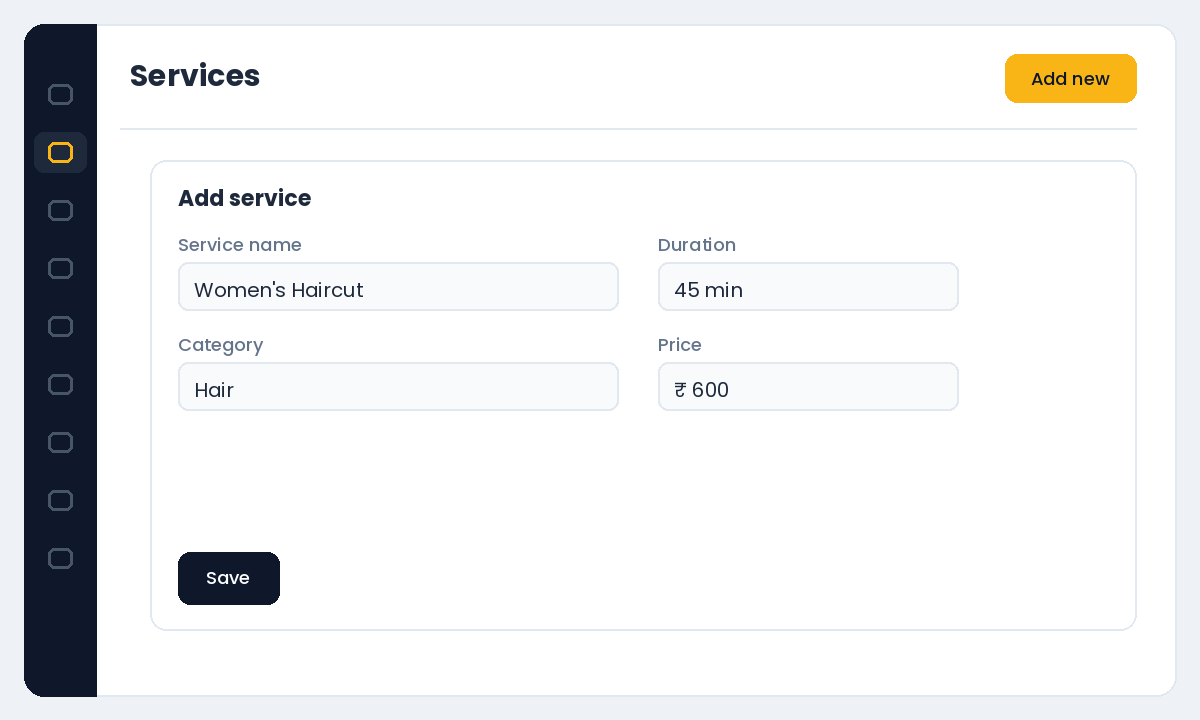
In Salonior, go to Settings → Services and add each service with a duration and price. Group them into categories (Hair, Skin, Nails) so your booking page stays easy to scan. Accurate durations matter — they decide how slots appear to clients, so a 45-minute cut should say 45 minutes, not an hour.
Step 2 — Add staff and working hours
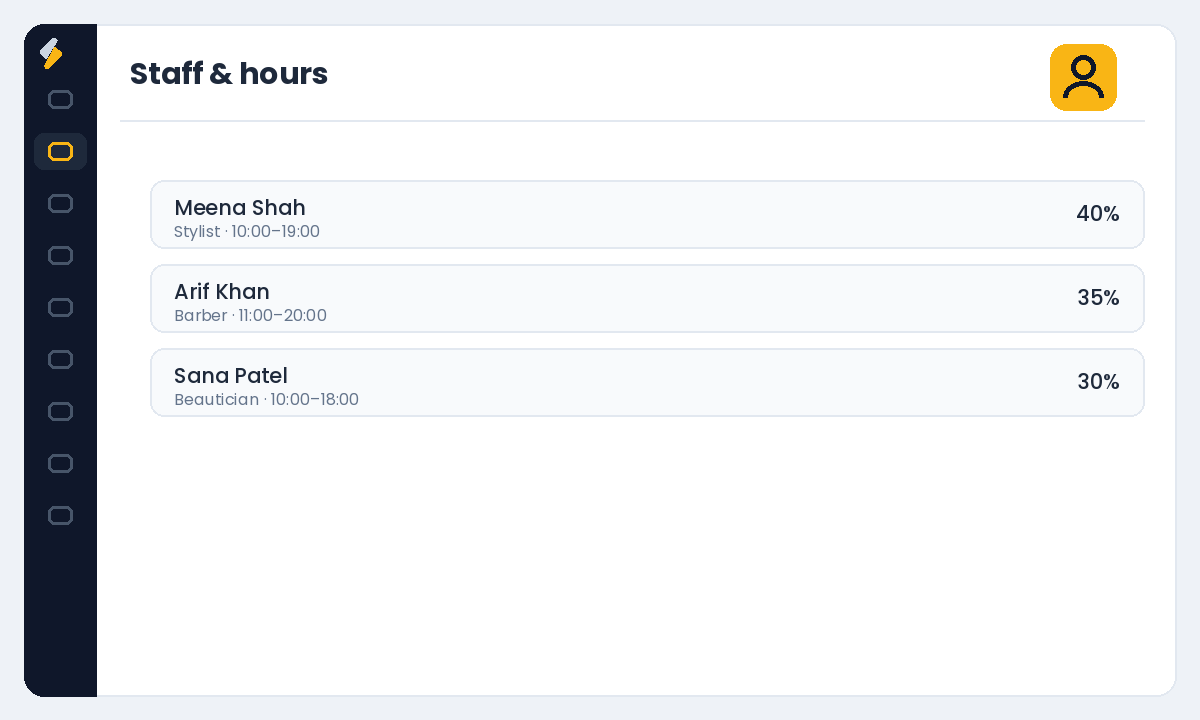
Open the Staff section and add each team member, then set their working hours and days off. Your booking page generates real-time availability from these hours, so a stylist who finishes at 6pm will never be offered a 6:30 slot. If someone only does certain services, assign those services to them so clients are matched correctly.
Step 3 — Set your booking rules
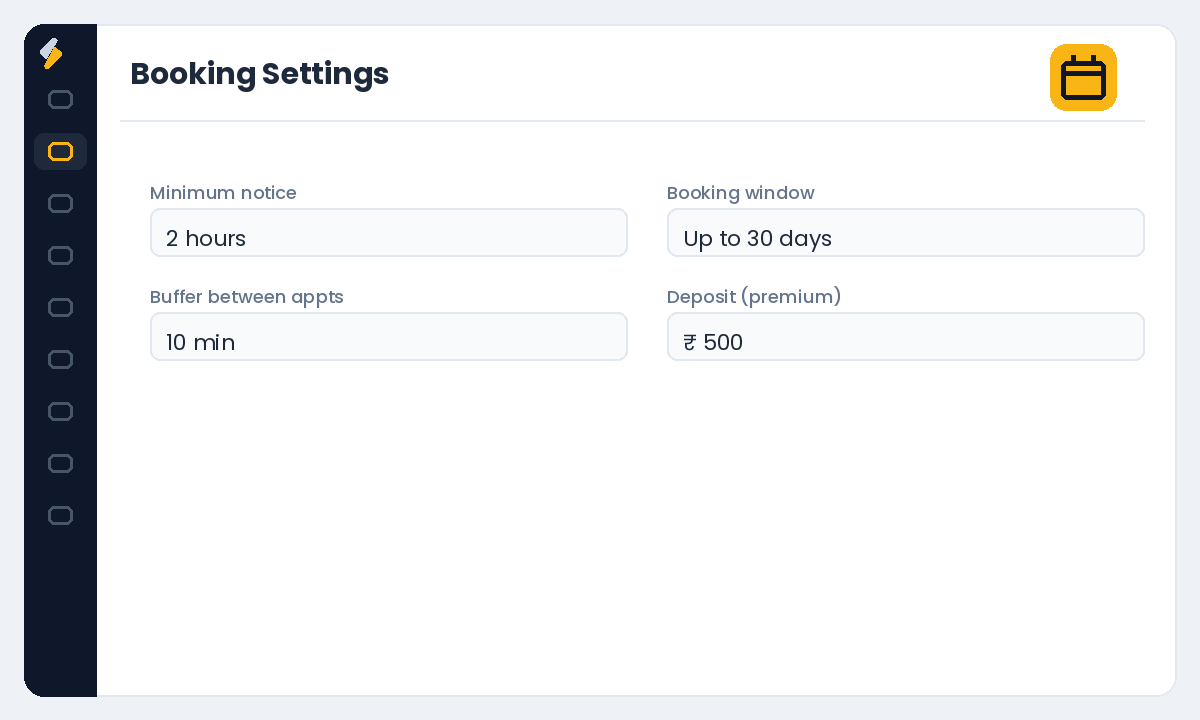
Under Settings → Booking Settings, choose how far in advance clients can book, minimum notice before an appointment, and buffer time between appointments for cleanup or setup. For high-value services you can require a deposit at booking — the most reliable way to protect your calendar from no-shows without charging every client.
Step 4 — Share your link everywhere
Publish your page, then put the link where clients already find you:
- Instagram and Facebook bio — the "Book Now" button
- Google Business Profile — add it as your appointment link so it shows in Maps and Search
- WhatsApp Business — as a quick-reply and in your away message
- Your website header and email signature
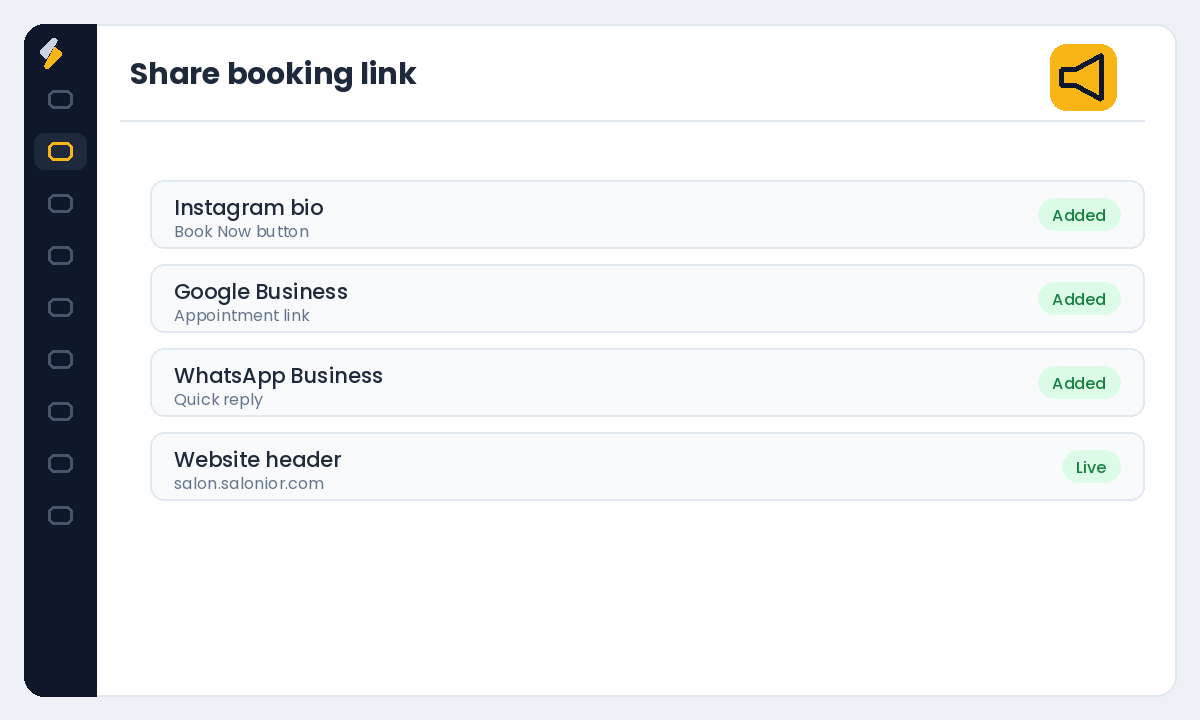
The salons that win at online booking treat the link like a phone number: it goes everywhere a client might look for you.
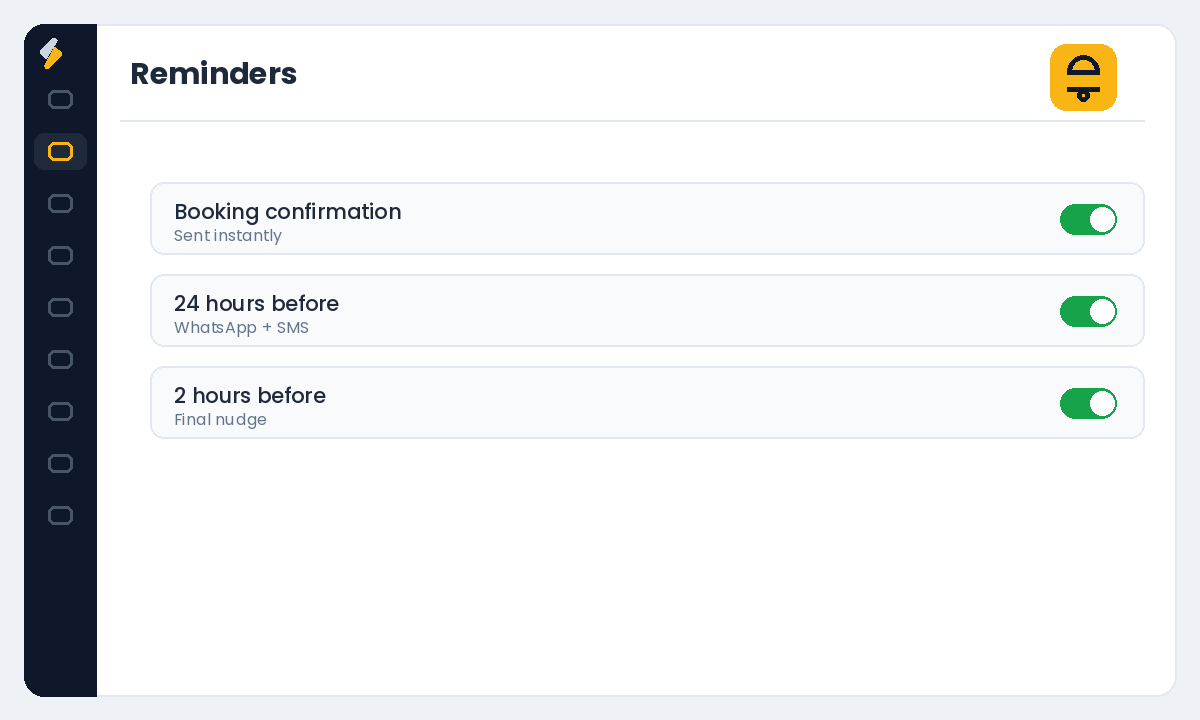
Step 5 — Turn on reminders (do not skip this)
A booking page without reminders still leaks revenue to no-shows. Enable automated confirmation and reminder messages so every client gets a nudge before their visit. See our guide on reducing no-shows with WhatsApp reminders for the exact timing that works best.
Ready to take bookings around the clock? Start your free Salonior trial — every feature included, 0% commission, no credit card required.