A single empty chair on a Saturday can cost more than a month of software. The good news: most no-shows are not clients who changed their mind — they simply forgot. That makes no-shows one of the most fixable problems in a salon, and you rarely need to charge deposits to solve it. Automated reminders do most of the work.
Why reminders work better than phone calls
Calling every client to confirm is slow, easy to skip when you are busy, and often goes to voicemail. Automated messages send whether or not the front desk is slammed, land where clients actually read — WhatsApp — and let the client reply or reschedule in one tap. Consistency is the whole point: the reminder that stops a no-show is the one that always goes out.
The reminder timing that works
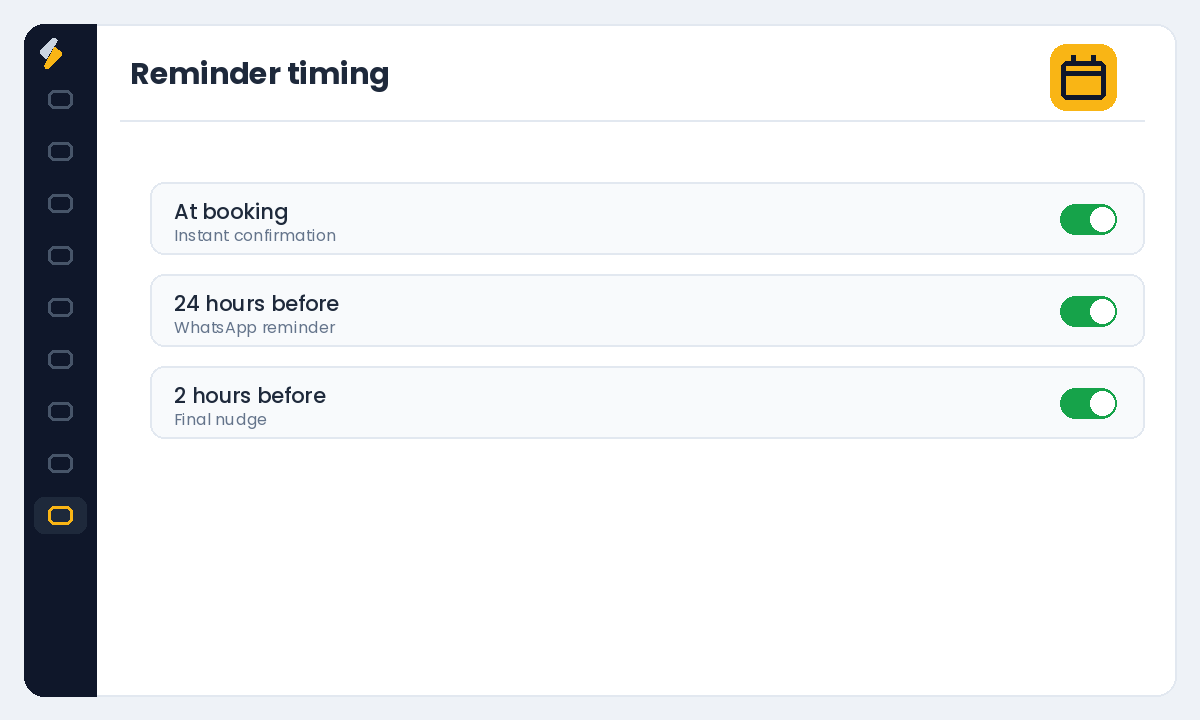
A simple three-touch sequence catches almost every forgotten appointment:
- At booking — an instant confirmation with date, time, service and your address
- 24 hours before — a reminder with a one-tap option to confirm or reschedule
- 2–3 hours before — a short final nudge on the day itself
How to set it up in Salonior
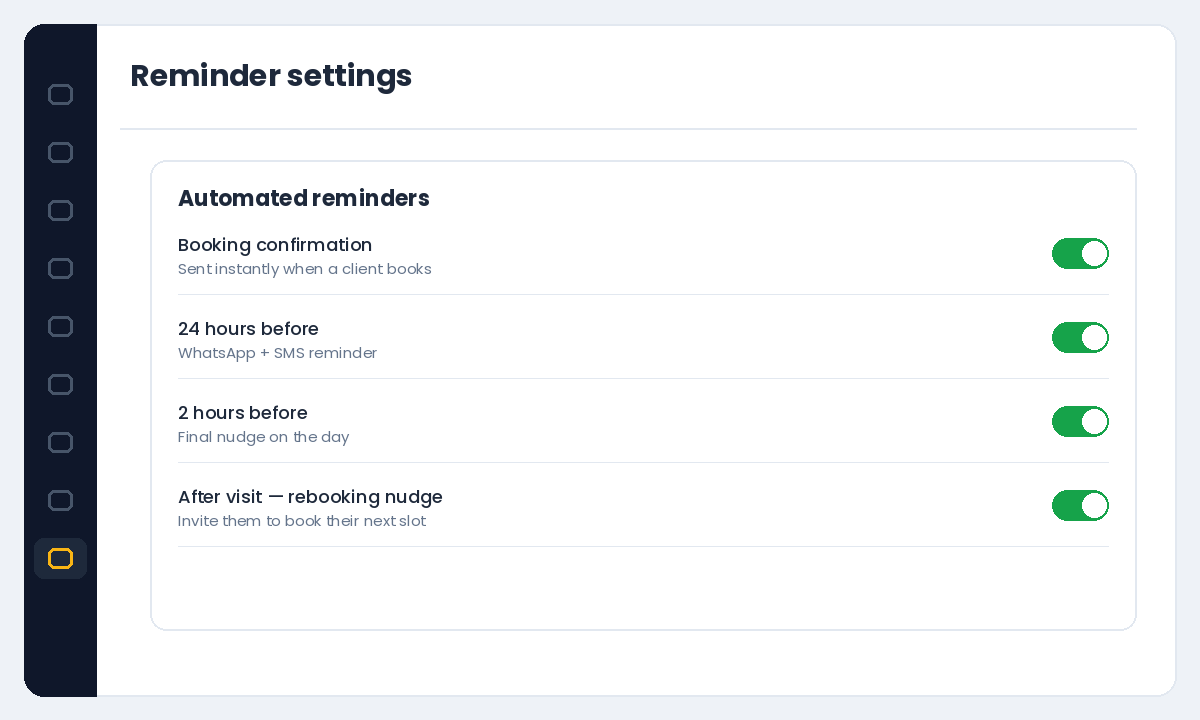
Salonior includes automated appointment reminders on WhatsApp, SMS and email in every plan. WhatsApp messages use message credits, which you can top up under Settings → Billing. Turn on the confirmation and reminder messages, set the timing above, and every new booking is covered automatically — no manual work per appointment.
Write reminders clients actually act on
Keep them short, warm and specific. Include the client’s name, the service, the exact time, and a clear action. For example: "Hi Priya! Reminder: your haircut with Meena is tomorrow at 4:00pm at Salon Bliss, Bilimora. Reply 1 to confirm or 2 to reschedule." A clear action beats a generic "see you soon".
Make rebooking one tap at checkout
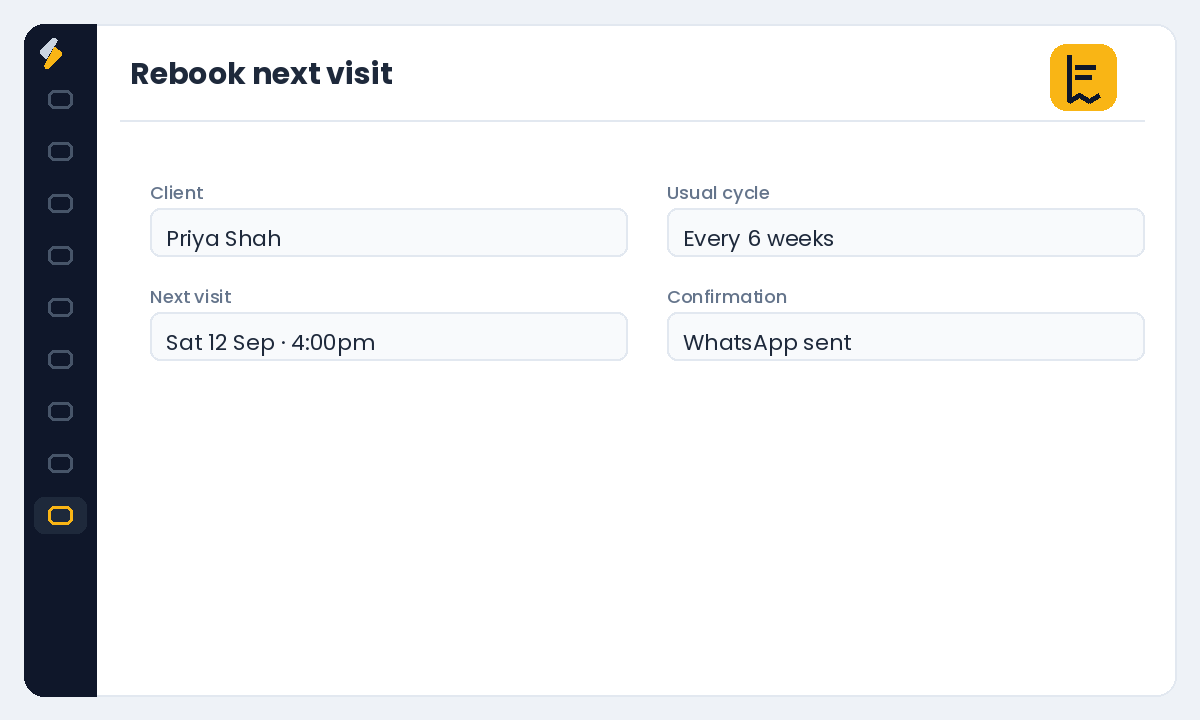
The best defense against a future no-show is a client who already has their next slot. At checkout, book their next visit based on their usual cycle and send the confirmation instantly. A client with their next appointment already in the calendar is far more likely to show up.
Handle the rare repeat offender
Keep no-show history on each client profile. For the small number of repeat offenders, require a deposit — applied only to them — so you protect your time without punishing loyal clients. You can set deposit rules when you set up your booking page.
Your busiest day is the one you can least afford a no-show on. Automations run even when you cannot.
Want to keep your chairs full automatically? Start your free Salonior trial — every feature included, 0% commission, no credit card required.