A second location doubles your revenue potential and your operational headaches. The difference between a group that scales smoothly and one that drowns in spreadsheets is a single system where every branch lives on one dashboard — with its own hours, stock and staff, but shared clients and consolidated reporting.
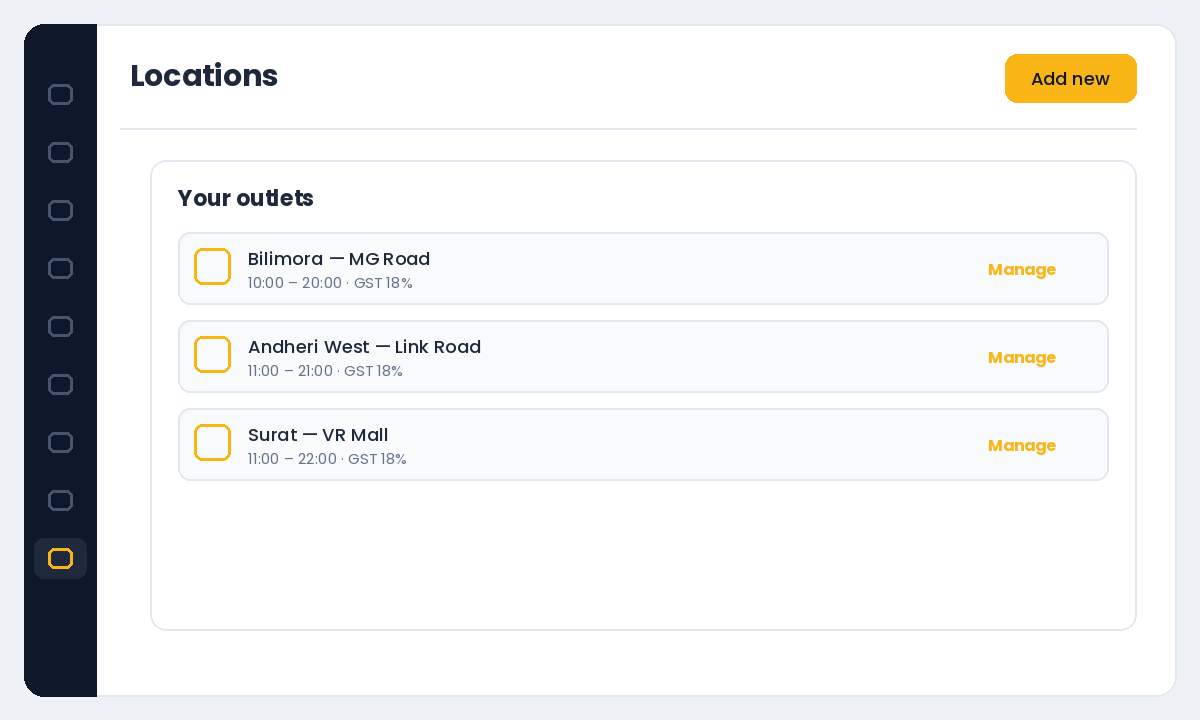
Add each location as an outlet
In Settings → Locations, add each branch with its address, opening hours and taxes. Because taxes and hours are set per location, a branch in a different state or with different timings behaves correctly on its own booking page — you are not forcing one set of rules on every outlet.
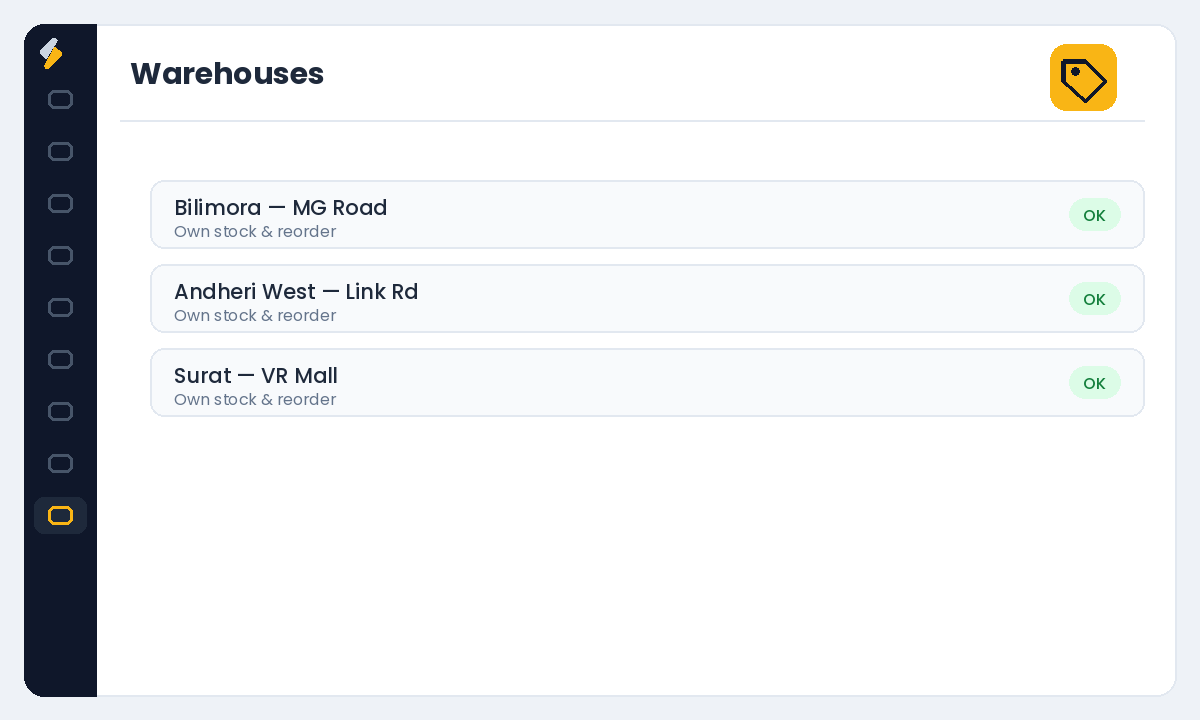
Keep stock separate with warehouses
Assign inventory to the right branch using Settings → Warehouses, so each outlet sees its own shelf and reorder alerts. A colour tube used in Bandra should not quietly reduce the count in Andheri. Separate warehouses keep every branch’s stock honest.
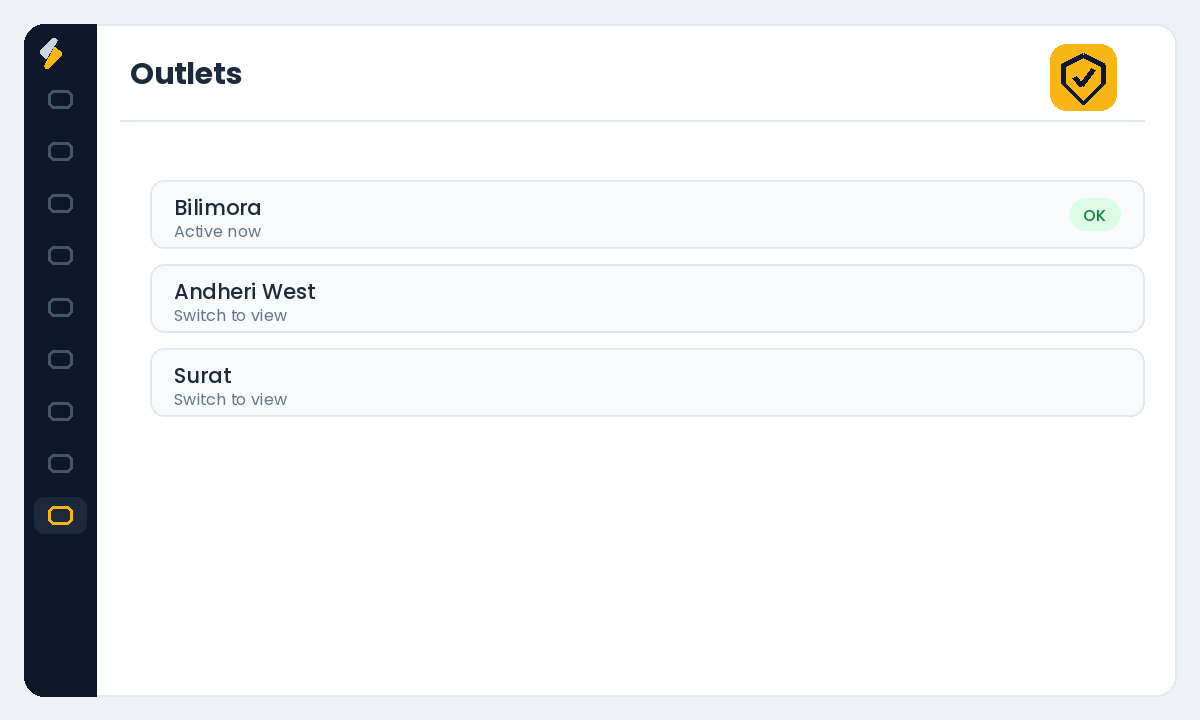
Switch between outlets in one click
Use the outlet switcher at the top of the dashboard to move between branches. Managers see only their branch; you see all of them. This keeps each team focused on their own calendar while you keep the group-level view.
Share clients across the group
Clients belong to your brand, not a single branch. A client who usually visits one outlet should be recognised at another — same history, same preferences, same memberships. One shared client database across locations is what makes a group feel like one brand to the customer.
See the whole group in consolidated reports
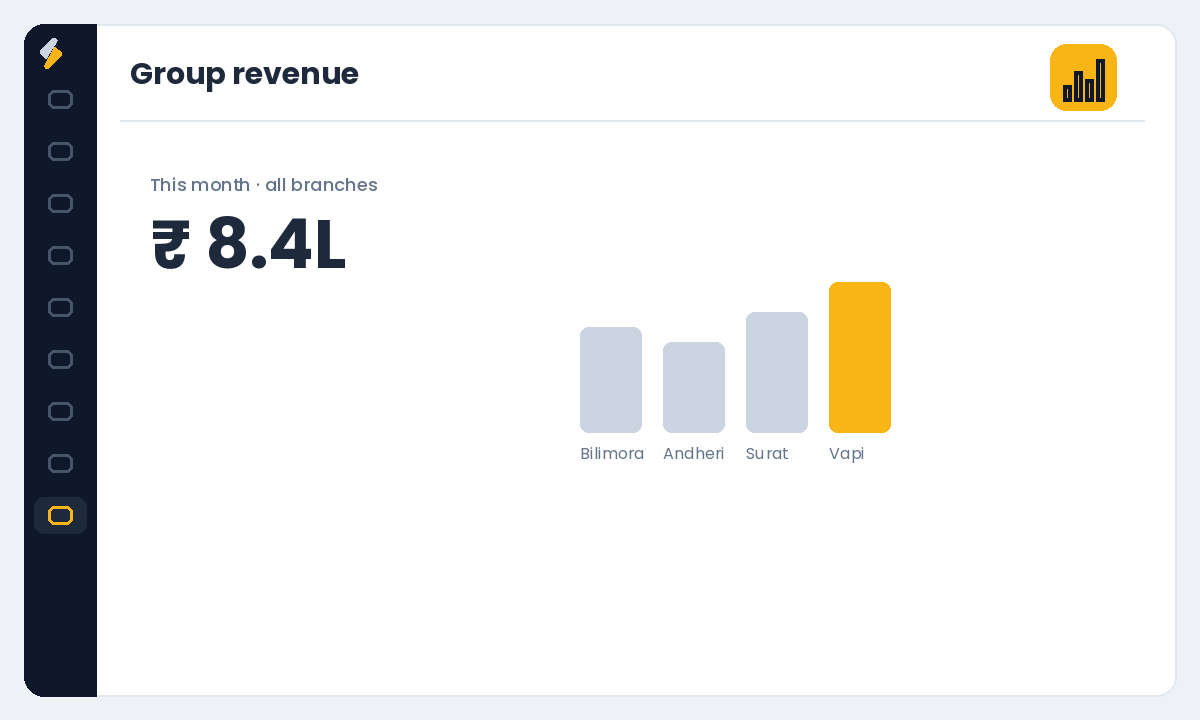
Your reports should roll up across outlets and also break down by branch, so you can compare performance, spot the branch that needs attention, and see group revenue in a single number. That comparison is where multi-location profit is actually found.
Two branches on two systems is two businesses. Two branches on one dashboard is a group.
Ready to run every branch from one place? Start your free Salonior trial — every feature included, 0% commission, no credit card required.