Most owners stay on a marketplace long after it stops serving them, simply because switching feels risky. In practice, moving to your own system is a well-worn path — your data comes with you, onboarding is guided, and you can go live without missing a single booking. Here is the plan.
First, know what you are gaining
- 0% commission — you stop paying a cut on every new-client booking
- Your own clients — their contact details belong to you, not a marketplace
- Your own brand — no competitors listed next to you on a shared platform
If you want the exact rupee difference for your salon, run the savings calculator before you switch — it is usually the moment the decision makes itself.
Step 1 — Export your data from your current tool
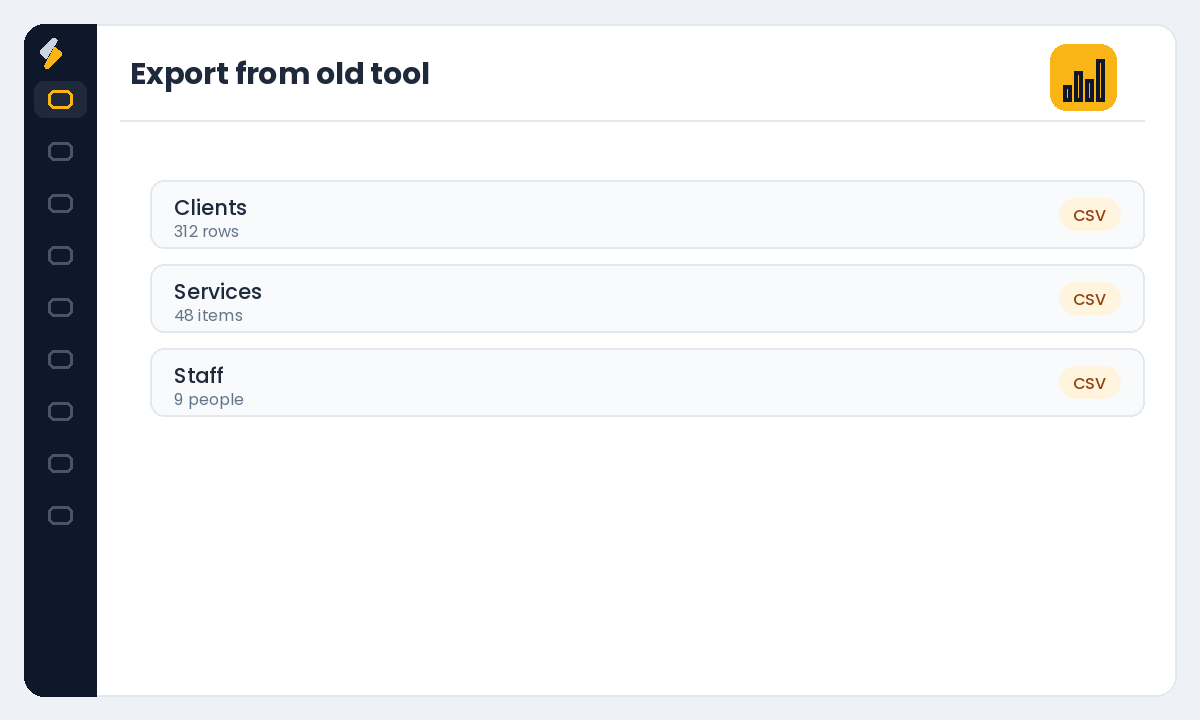
Pull your client list (names, phone numbers, emails), your service menu with prices, and your staff list. Most platforms let you export these to a spreadsheet. If you can also export upcoming appointments and gift-card or package balances, keep those handy too.
Step 2 — Let onboarding import it for you
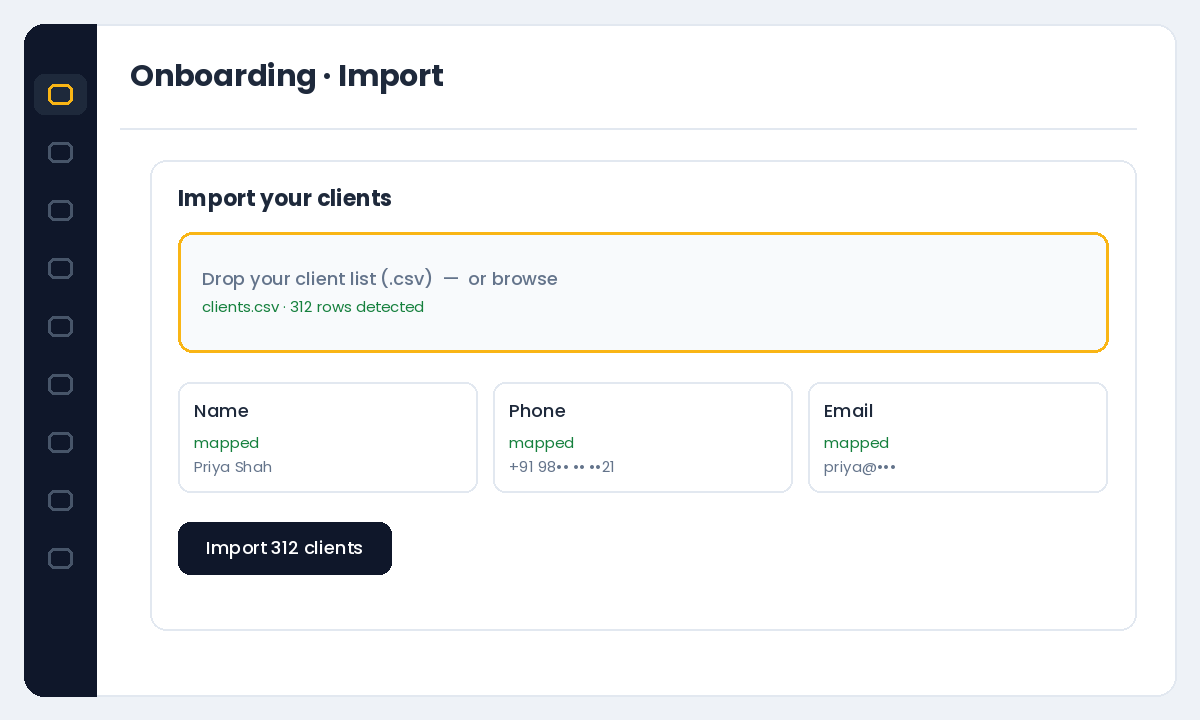
You do not have to re-enter everything by hand. Salonior includes free onboarding and data import with a real person — send your exports and the team helps load your clients, services and staff. See how to set up your booking page for the pieces you will confirm during setup.
Step 3 — Run both in parallel for a few days
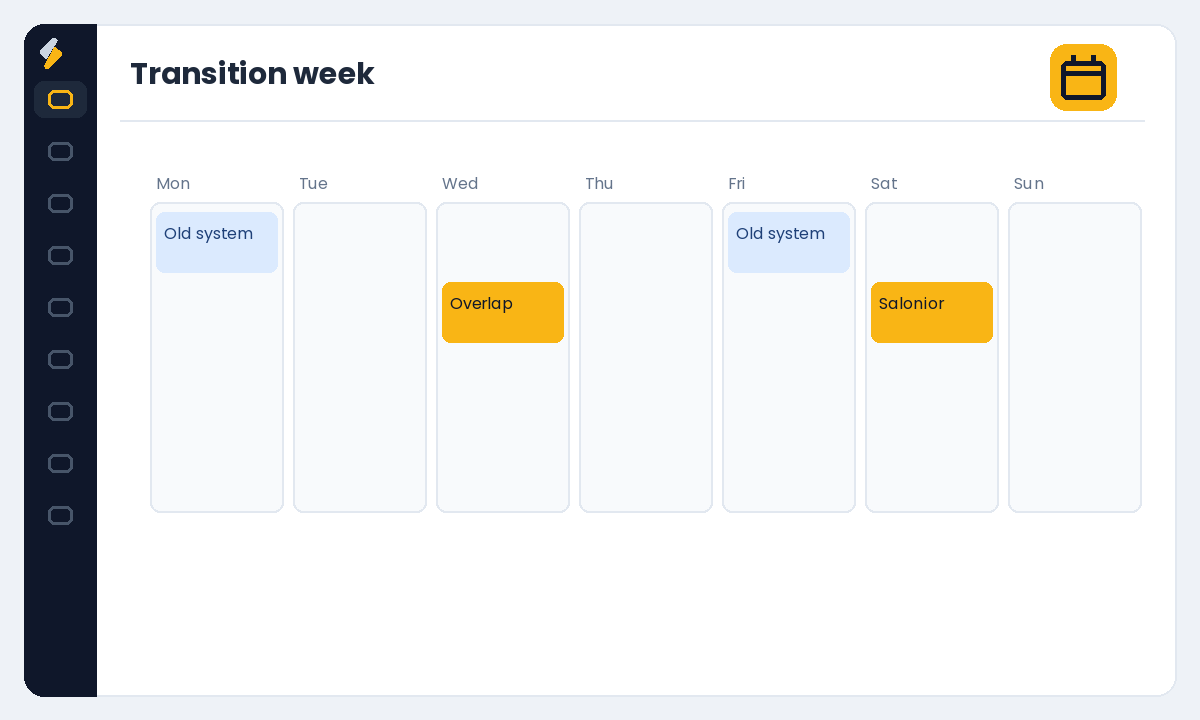
You do not have to flip a switch overnight. Set up Salonior, publish your new booking page, and take new bookings there while your old calendar winds down. Once the last appointments on the old system are served, you simply stop using it.
Step 4 — Point your links to the new page
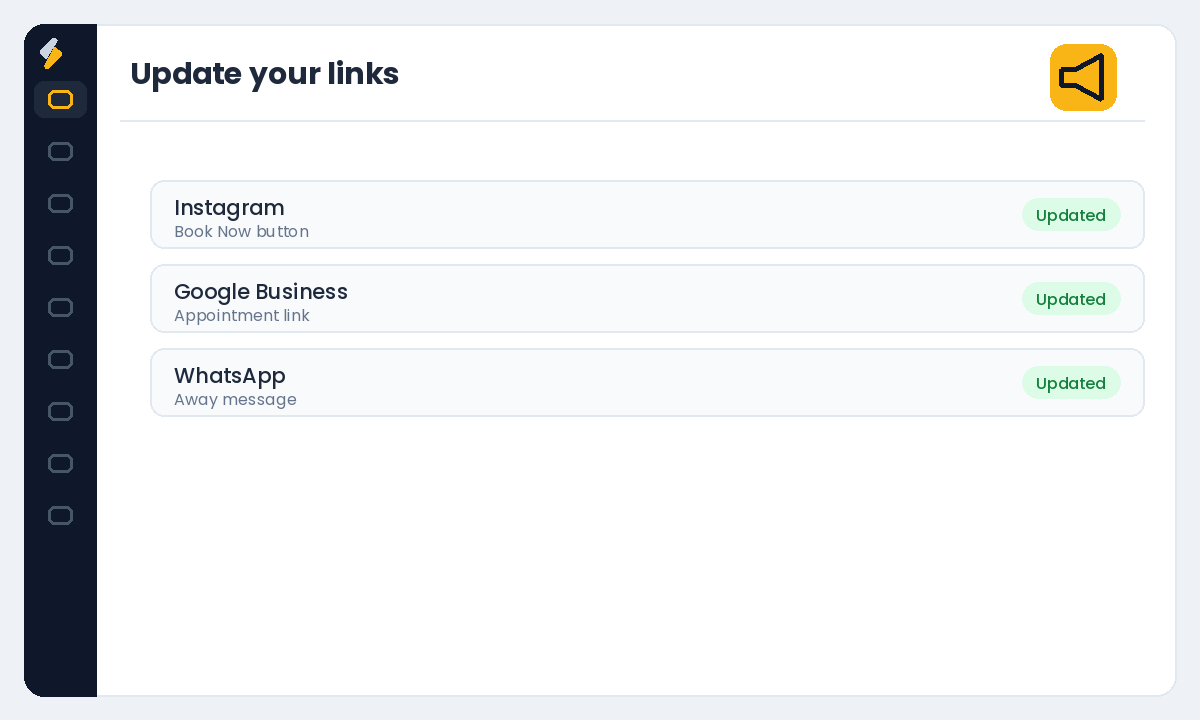
Update your Instagram and Google Business links to your new booking page, turn on automated reminders, and let clients know their bookings now happen with you directly. From here on, every booking is commission-free and every client is yours.
The scary part of switching is imagining it. The actual work is a spreadsheet and a week of overlap.
Ready to make the move? Start your free Salonior trial — every feature included, 0% commission, no credit card required.